

The debate of CyberPanel vs cPanel has become increasingly important as businesses look for faster, more cost-efficient hosting control panel solutions. At ZYNOO, performance, reliability, and user experience matter deeply because our customers depend on stable, optimized environments for their websites and applications. For this reason, choosing the right panel affects everything from loading speed to server resources to your long-term scalability.
Both control panels manage websites, domains, databases, email, and security. But they approach hosting very differently—one focusing on speed and modern optimization (CyberPanel), and the other focusing on stability, legacy compatibility, and enterprise-level control (cPanel).
If you’re evaluating different hosting control panels beyond CyberPanel vs cPanel, you might also appreciate our guide on cPanel vs Plesk for broader context.
CyberPanel vs cPanel
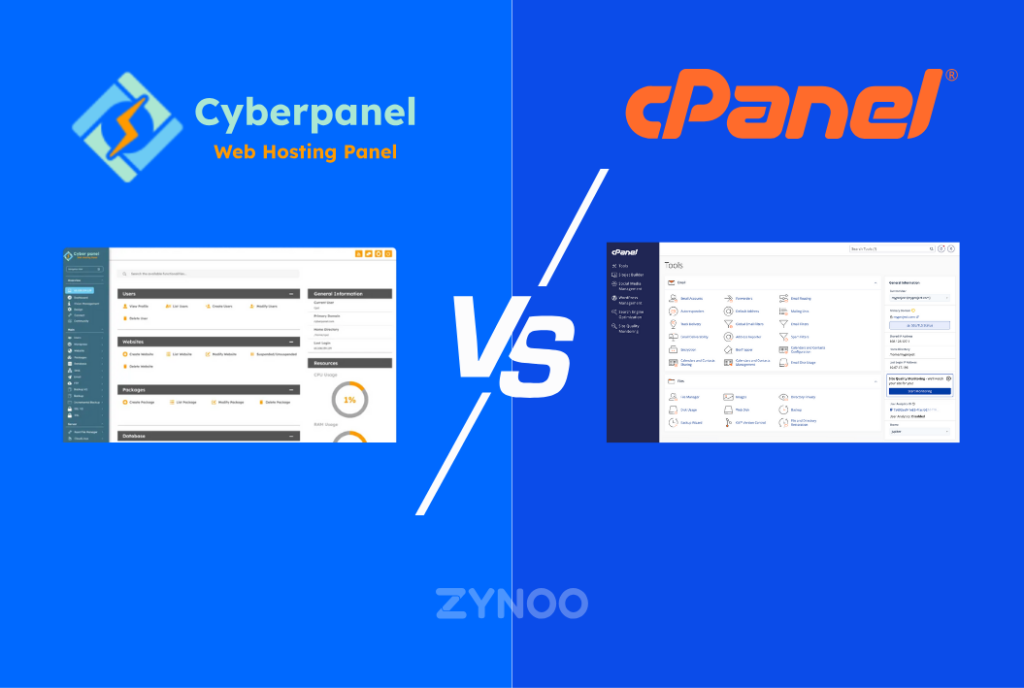
When comparing CyberPanel vs cPanel, the contrast is clear: CyberPanel is designed around the LiteSpeed ecosystem, while cPanel is built on a long-standing Apache and WHM foundation. These core differences influence performance, pricing, complexity, scalability, and the extent to which each panel supports today’s high-performance websites.
Below is a detailed analysis covering everything you need to know to make the right choice for your hosting needs.
Understanding CyberPanel
CyberPanel is a lightweight, modern hosting control panel built on OpenLiteSpeed—a high-performance web server known for accelerating dynamic websites. Its native integration with LSCache makes it an ideal choice for CMS platforms like WordPress, Joomla, and Magento.
Key Strengths
- Native OpenLiteSpeed and LiteSpeed Enterprise support
- Built-in LSCache (dramatically improves site speed)
- Free version available
- Simple UI suitable for beginners
- Faster website loading times due to event-driven architecture
- Low resource consumption
Weaknesses
- Smaller ecosystem compared to cPanel
- Fewer third-party integrations
- Some features require LiteSpeed Enterprise for full performance
CyberPanel is a modern alternative aimed at users who prioritize speed, simplicity, and cost-effectiveness.
Understanding cPanel
cPanel is the industry’s most recognized hosting control panel with decades of optimization and enterprise-grade reliability. It is paired with WHM for server-level administration, making it the standard for many developers and agencies.
Strengths
- Mature, stable, widely compatible
- Rich ecosystem of plugins and integrations
- Extensive documentation and community support
- Advanced email, DNS, and security tools
- Highly reliable under heavy workloads
Weaknesses
- Licensing has become expensive in recent years
- Resource-heavy compared to CyberPanel
- Often slower without additional optimization layers
cPanel remains the strongest choice for users who need granular control, complex configurations, and enterprise-level tools.
Key Differences in CyberPanel vs cPanel
| Feature | CyberPanel | cPanel |
|---|---|---|
| Web Server | OpenLiteSpeed / LiteSpeed | Apache (default), Nginx reverse proxy |
| Caching | LSCache built-in | Depends on plugins/modules |
| Price | Free (Pro available) | Paid license |
| UI Simplicity | Modern, clean | Traditional but detailed |
| Speed | Faster dynamic performance | Slower without optimization |
| Email Tools | Good, but basic | Extensive professional tools |
| Security | Decent | Enterprise-grade |
| Best For | Speed-focused users | Agencies & large workloads |
CyberPanel vs cPanel Performance Benchmarks
Performance is the heart of this comparison. LiteSpeed servers consistently outperform Apache in dynamic website handling. Real-world tests show:
- LiteSpeed processes PHP requests up to 2x faster
- Lower CPU usage during high traffic
- Better handling of concurrent connections
- Native built-in caching
cPanel running on Apache is stable and predictable but often requires additional optimization layers such as Redis, Nginx reverse proxy, or third-party caching plugins.
Ease of Use in CyberPanel vs cPanel
CyberPanel offers a more modern UI that feels lightweight and user-friendly. It is ideal for beginners or those managing only a few websites.
cPanel, on the other hand, has a more structured, professional interface. It provides deeper controls but at the cost of complexity.
Winner:
- CyberPanel for simplicity
- cPanel for advanced control
CyberPanel vs cPanel Security Comparison
Both panels offer strong security but with different strengths.
CyberPanel Security
- Built-in firewalls
- ModSecurity integration
- CyberPanel Security Center
- Auto SSL issuance
cPanel Security
- Advanced ModSecurity support
- Strong email security and spam filtering
- Security Advisor system
- More granular control over permissions, users, and SSL
For mission-critical workloads, cPanel provides more enterprise-level security features.
Speed Optimization Features
CyberPanel’s biggest strength is LiteSpeed. Its event-driven architecture, QUIC/HTTP3 support, and LSCache integration give it a major advantage over Apache.
cPanel requires optimization via plugins or additional server configuration to reach similar speeds.
Server Resource Efficiency
CyberPanel uses significantly fewer server resources than cPanel because OpenLiteSpeed is far lighter than Apache.
Resource Usage Differences
- CyberPanel has lower RAM and CPU usage
- cPanel consumes more resources due to WHM + Apache stack
This makes CyberPanel an excellent choice for cloud servers and VPS environments.
Email Management Features
cPanel is well known for its email system. It offers robust tools including:
- SpamAssassin
- Mailing lists
- Email routing
- DKIM/DMARC/SPF configuration
CyberPanel’s email system is functional but not as advanced, making cPanel the preferred choice for email-heavy environments.
DNS Management in CyberPanel vs cPanel
Both panels offer strong DNS tools, but:
- cPanel provides more advanced DNS features
- CyberPanel offers DNSSEC support and simplicity
Backup Solutions
CyberPanel
- Local and remote backups
- Incremental backup support
cPanel
- Automated backups
- Professional backup integration
- WHM backup configuration
For large servers, cPanel provides more flexibility.
Pricing Breakdown
| Panel | Cost |
|---|---|
| CyberPanel | Free / Pro version available |
| cPanel | Paid licensing tiers |
The cost difference is one of the biggest factors for users choosing CyberPanel.
Best Use Cases for CyberPanel
CyberPanel works best for:
- WordPress sites needing high speed
- Developers wanting LiteSpeed benefits
- Users wanting a free hosting panel
- Lightweight VPS setups
Best Use Cases for cPanel
cPanel is ideal for:
- Agencies managing multiple clients
- Large-scale, complex deployments
- Heavy email usage
- Businesses needing stability & enterprise tools
Compatibility & Integrations
CyberPanel is newer, with fewer integrations compared to cPanel’s massive ecosystem.
cPanel integrates with nearly everything: billing systems, security tools, databases, and more.
Website Migration Between CyberPanel and cPanel
Migration can be done via:
- Full backups
- FTP + database dumps
- WordPress migration plugins
However, migrations between Apache and LiteSpeed require attention to rewrite rules.
Databases & PHP Management
CyberPanel uses MariaDB by default with simple database tools.
cPanel allows more complex database configurations via phpMyAdmin and WHM.
Both support multiple PHP versions.
Stability & Reliability Comparison
cPanel is extremely stable, with decades of refinement.
CyberPanel is stable for most use cases but still evolving.
Support & Documentation Quality
cPanel has significantly more documentation and community support due to its long history.
CyberPanel has a growing community but smaller support base.
SEO Perspectives of Both Panels
CyberPanel, through LiteSpeed + LSCache, provides faster loading times—one of Google’s ranking factors.
cPanel can match these speeds only with proper optimization.
User Experience Insights from Real-World Hosting
From hands-on hosting experience:
- CyberPanel is excellent for high-speed WordPress hosting
- cPanel is easier for managing dozens or hundreds of sites
- CyberPanel is cheaper and more efficient for smaller deployments
- cPanel is better for long-term enterprise growth
CyberPanel vs cPanel for WordPress
CyberPanel is a clear winner for WordPress due to LSCache, QUIC, and modern speed architecture.
cPanel is solid but requires optimization work.
Future of Web Hosting Control Panels
The future is trending toward:
- Lightweight panels
- Event-driven server technologies
- Built-in caching
- Automation with AI tools
CyberPanel aligns strongly with these trends.
CyberPanel vs cPanel Final Verdict
Choose CyberPanel if you want:
- Maximum speed
- Free hosting panel
- Modern UI
- LiteSpeed performance benefits
Choose cPanel if you need:
- Enterprise-grade tools
- Heavy email usage
- Mature ecosystem
- Stable large-scale hosting management
Both solutions are excellent—your choice depends on your business needs.
Frequently Asked Questions
Yes. CyberPanel is built on LiteSpeed, which is significantly faster than Apache in most dynamic website scenarios.
CyberPanel generally delivers better WordPress performance thanks to LSCache and LiteSpeed.
For complex or high-traffic environments, cPanel’s long-standing reliability gives it an advantage.
Conclusion
Choosing between CyberPanel vs cPanel depends on what matters most—speed, cost, stability, or advanced controls. CyberPanel provides unmatched performance with LiteSpeed, making it ideal for modern high-speed hosting. cPanel shines in enterprise environments thanks to its tools, documentation, and deep customization capabilities.
Both are excellent, but your use case determines the winner.