VPS hosting (Virtual Private Server hosting) is a type of hosting that gives you an isolated virtual server with its own operating system and allocated resources. It offers greater control than shared hosting without requiring you to rent an entire physical server.
A VPS can host websites, online stores, databases, and custom applications. It’s often used when shared hosting becomes too restrictive or when a project requires software that ordinary hosting plans don’t support.
To understand its advantages, let’s start with how a virtual private server actually works.
How Does VPS Hosting Work?
Imagine a large office building divided into separate offices. Every business occupies its own space, although everyone shares the building’s underlying infrastructure.
VPS hosting follows a similar principle.
A hosting provider uses software called a hypervisor to divide a powerful physical server into multiple virtual machines. Each virtual machine operates independently and functions as a separate server.
Every VPS typically has:
- Virtual CPU (vCPU): Processing capacity allocated to the server.
- RAM: Memory for running applications and handling active processes.
- Storage: Space for the operating system, websites, databases, and files.
- Operating system: Usually Linux or Windows, depending on the hosting plan.
- Administrative access: Root or administrator permissions for managing server software.
For example, one physical machine might host several VPS instances, each running different websites or applications.
Although these virtual servers are isolated, they still use shared physical hardware. A provider’s resource management therefore plays an important role in performance.

What Is KVM VPS Hosting?
KVM stands for Kernel-based Virtual Machine. It’s virtualization technology built into Linux that allows a physical server to run multiple independent virtual machines.
Each KVM virtual machine has its own virtualized hardware and can run a compatible operating system.
KVM is commonly used in VPS hosting because it provides full virtualization and flexible server configuration.
VPS Hosting vs. Shared Hosting vs. Dedicated Servers
These three hosting models differ primarily in how they allocate hardware resources and how much control customers receive.
| Feature | Shared Hosting | VPS Hosting | Dedicated Server |
|---|---|---|---|
| Physical hardware | Shared | Shared | Exclusive |
| Server environment | Shared hosting environment | Isolated virtual machine | Entire physical server |
| Root access | Usually unavailable | Usually available | Usually available |
| Custom software | Restricted | Flexible | Highly flexible |
| Technical management | Usually handled by provider | Depends on plan | Depends on plan |
| Typical cost | Lower | Moderate | Higher |
Shared hosting is designed for simplicity. The provider manages the server environment, making it convenient for blogs and smaller websites.
VPS hosting provides a separate virtual server with allocated resources and more freedom to configure applications.
Dedicated hosting gives one customer exclusive access to an entire physical machine.
What Are the Benefits of VPS Hosting?
1. Greater Control Over Your Server
A VPS usually provides root or administrator access, allowing you to install software, change server settings, and configure services.
For example, developers can install custom application frameworks, databases, and background services that may not be supported by shared hosting.
2. More Predictable Resource Allocation
VPS plans specify allocations such as RAM, storage, and vCPU capacity.
This gives you clearer resource limits than conventional shared hosting. However, virtual CPU cores aren’t necessarily exclusive physical cores, and performance can still vary with host utilization.
3. Improved Isolation
Each VPS runs in a separate virtual environment, helping prevent applications on other virtual machines from directly interfering with yours.
This isolation also provides security benefits, although it doesn’t replace software updates, firewalls, access controls, or regular backups.
4. Flexible Resource Upgrades
Many providers allow customers to increase their VPS resources as applications grow.
Depending on the platform, upgrades may require a server restart or migration. Storage reductions can also be more complicated than increasing capacity.
5. Lower Cost Than Dedicated Hardware
Because multiple virtual servers share one physical machine, VPS hosting generally costs less than renting an entire dedicated server.
This makes it practical for projects that need server-level control but don’t require exclusive physical hardware.
What Are the Limitations of VPS Hosting?
Despite its advantages, VPS hosting isn’t the right solution for every project.
Server administration: Unmanaged VPS hosting requires you to maintain the operating system, install security updates, and troubleshoot problems.
Shared physical resources: CPU processing, disk operations, and network performance may be affected by infrastructure contention.
Additional expenses: Control panel licenses, backups, server management, and operating system licenses may increase the total cost.
Hardware restrictions: You can configure virtual hardware, but you generally cannot modify the underlying physical machine.
Understanding these limitations helps set realistic expectations about what VPS hosting provides.
Managed vs. Unmanaged VPS Hosting
The difference between managed and unmanaged VPS hosting is who is responsible for server maintenance.
Managing a VPS doesn’t always mean handling every website task through the command line. Installing a compatible control panel can simplify administration. Our guide to VPS hosting with cPanel explains how cPanel and WHM work on a virtual server, including system requirements, licensing, and resource planning.
Managed VPS Hosting
With managed VPS hosting, the provider handles an agreed range of administrative tasks. These may include operating system updates, monitoring, security maintenance, and technical troubleshooting.
Services vary, so always check whether application support, backups, and control panel management are included.
Unmanaged VPS Hosting
With an unmanaged VPS, you receive access to a virtual server and are generally responsible for configuring and maintaining it.
This option is popular among developers and system administrators who want more control over their environment.
It can also be more affordable, but requires technical knowledge and ongoing maintenance.
What Can You Use a VPS For?
VPS hosting supports much more than conventional websites.
Websites and online stores: Host WordPress, WooCommerce, or custom websites that require additional server resources.
Web applications: Deploy backend services, APIs, and applications built with frameworks such as Laravel or Node.js.
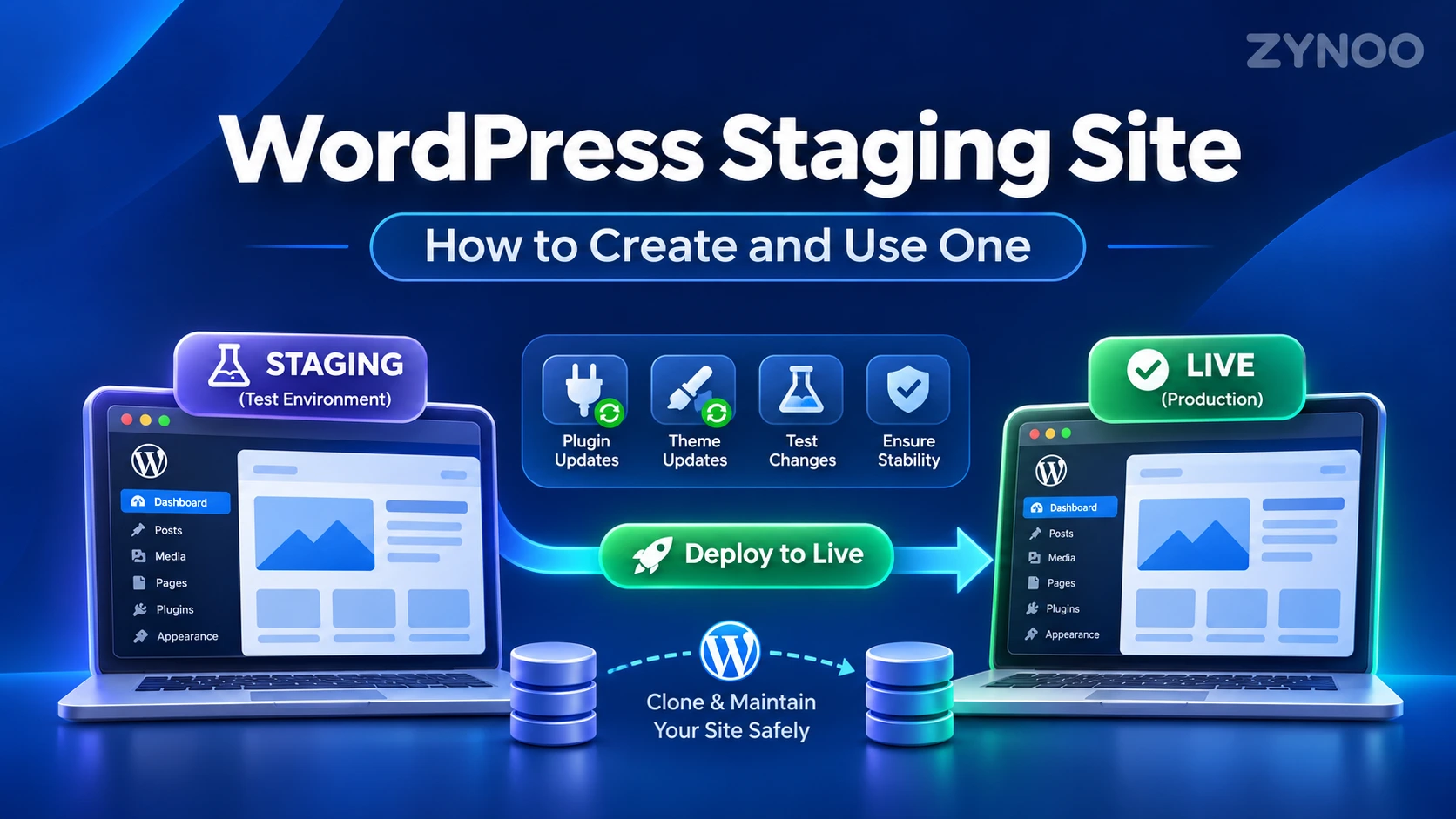
Development environments: Run staging websites, test applications, or maintain separate environments for development projects.
Databases: Host MySQL, PostgreSQL, or other database services with configurable server resources.
Containers: Deploy multiple applications using Docker. Our article on how Docker works explains containerization and its benefits.
Automation tools: Run self-hosted services such as n8n, which connects applications and automates repetitive tasks. Learn more in our n8n beginner’s guide.
Actual capacity depends on the VPS configuration, software requirements, and the hosting provider’s policies.
How Much Does VPS Hosting Cost?
VPS hosting is generally priced according to the resources and services included in a plan.
The main pricing factors are CPU capacity, RAM, storage, bandwidth, operating system licensing, and management services.
A smaller self-managed VPS typically costs less than a high-resource server with managed support and additional backup services.
Instead of comparing prices alone, evaluate what each plan includes and whether additional fees apply.
For current configurations and pricing, you can explore ZYNOO’s VPS hosting plans.
Frequently Asked Questions
Not necessarily. VPS describes a virtual server, while cloud hosting generally refers to infrastructure designed around pooled resources and flexible provisioning. Some cloud services deliver virtual machines that function much like VPS instances.
Yes. A VPS can host multiple websites and applications, provided the server has sufficient resources and is configured appropriately.
It can be, particularly when an application needs more resources or custom optimization. However, actual speed depends on hardware, server configuration, caching, and workload.
For unmanaged VPS hosting, yes. You’ll need to understand server administration, security updates, and backups. Managed VPS services can reduce those responsibilities.
Conclusion
VPS hosting combines the flexibility of an independent server with the cost advantages of shared physical infrastructure. It provides isolated environments, allocated resources, and greater administrative control than traditional shared hosting.
It’s useful for websites, applications, and development projects that need more flexibility, although server management and infrastructure quality remain important considerations.
The next step is understanding whether your particular website or application would benefit from moving to a VPS.