
A dedicated server is a physical computer reserved exclusively for one customer or organization. Unlike shared hosting or a VPS, where multiple customers use the same physical hardware, a dedicated server provides exclusive access to its CPU, RAM, and local storage.
Dedicated servers are commonly used for high-traffic websites, business applications, databases, and workloads that require greater control over hardware and software.
Key Takeaways
- A dedicated server provides exclusive physical hardware without sharing computing resources with other customers.
- It offers greater control over operating systems, applications, and security configurations.
- Dedicated hosting is suitable for resource-intensive workloads but generally costs more than shared hosting or VPS.
- Server management, maintenance, and security responsibilities depend on the hosting plan.
How Does a Dedicated Server Work?
A hosting provider places a physical server inside a data center with power, cooling, and network connectivity.
The customer rents the entire machine and can configure its operating system, install applications, manage databases, and control server settings.
A typical dedicated server includes:
- CPU: Processes application requests and computational workloads.
- RAM: Stores active application data for quick access.
- Storage: Holds website files, databases, and operating system data.
- Network connection: Connects the server to the internet.
- Administrative access: Allows advanced software and system configuration.
For example, a business can run several websites and databases on one dedicated server, provided the hardware has sufficient resources.
Dedicated servers are also commonly called bare metal servers, although provisioning and management features can differ between hosting products.
Dedicated Server vs VPS vs Shared Hosting
The main difference between these hosting types is how computing resources are allocated.
| Feature | Shared Hosting | VPS Hosting | Dedicated Server |
|---|---|---|---|
| Physical hardware | Shared | Shared | Exclusive |
| Resources | Shared | Allocated virtually | Entire physical server |
| Root access | Usually unavailable | Usually available | Usually available |
| Customization | Limited | Flexible | Extensive |
| Typical cost | Low | Moderate | Higher |
| Best suited for | Small websites | Growing websites and applications | Demanding workloads |
A VPS is often the better choice when you need more control than shared hosting but don’t require an entire physical machine.
Read our guide to VPS hosting to understand how virtual servers work.
What Are the Benefits of a Dedicated Server?
1. Exclusive Hardware Resources
You don’t share the physical CPU, RAM, or local storage with other customers. This provides more predictable resource availability for sustained workloads.
2. Greater Control and Customization
Dedicated servers typically provide root or administrator access, allowing you to install supported operating systems, configure software, and optimize the environment for specific applications.
3. Workload Isolation
Physical resource isolation reduces interference from other hosting customers.
It also provides greater control over security configurations, although proper patching, monitoring, and access management remain essential.
4. Hardware Flexibility
You can select configurations with different processors, memory capacities, storage technologies, and network speeds.
This helps match the infrastructure to your application’s actual requirements.
Common Dedicated Server Use Cases
Dedicated servers support a wide range of workloads.
- High-traffic websites: Hosting websites that require substantial processing power and memory.
- E-commerce platforms: Running large online stores with demanding database operations.
- Game servers: Hosting multiplayer games that require consistent performance and low latency.
- Streaming platforms: Delivering video content and handling bandwidth-intensive workloads.
- Virtualization: Running multiple virtual machines on dedicated physical hardware.
- Business applications: Hosting enterprise software, databases, and internal systems.
Not every application needs dedicated hardware. Smaller projects can often run efficiently on a properly configured VPS.
What Are the Disadvantages of Dedicated Servers?
Despite their advantages, dedicated servers have several trade-offs.
Higher cost: You’re paying for exclusive access to a physical machine, making dedicated hosting generally more expensive than VPS or shared hosting.
Technical management: Unmanaged dedicated servers require administrators to handle operating system updates, software security, backups, and troubleshooting.
Hardware scaling: Increasing resources may require physical upgrades or migration to another server.
Single-server limitations: Dedicated hardware doesn’t automatically provide high availability. Backups, redundancy, and disaster recovery still require planning.
When Should You Choose a Dedicated Server?
Consider dedicated hosting when your application consistently needs substantial computing resources, requires specialized software configurations, or benefits from exclusive physical hardware.
Before ordering, evaluate CPU performance, RAM requirements, SSD or NVMe storage, bandwidth, data center location, and the level of technical support included.
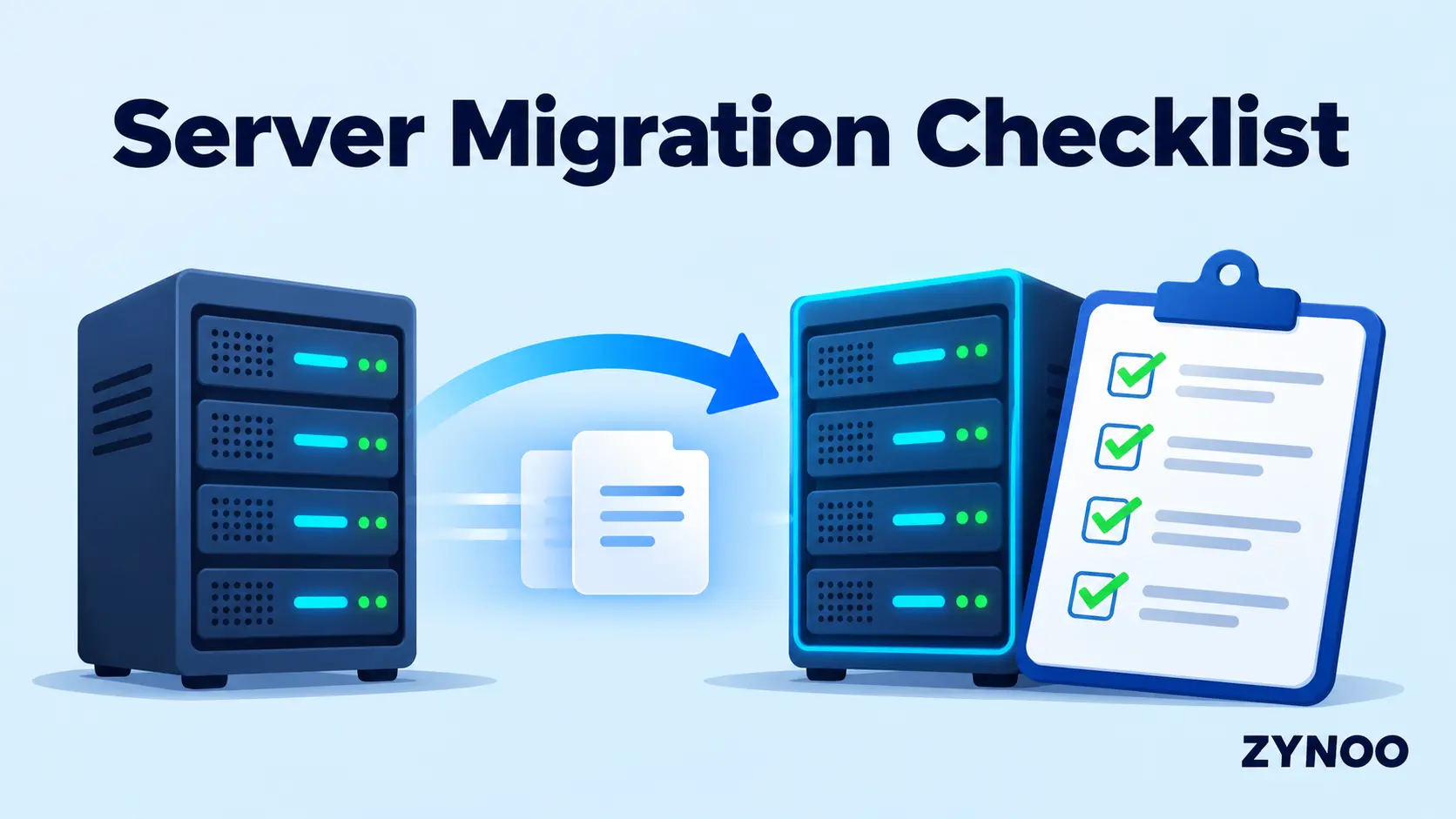
If you’re moving from an existing hosting environment, our Server Migration Checklist can help you prepare for the transition.
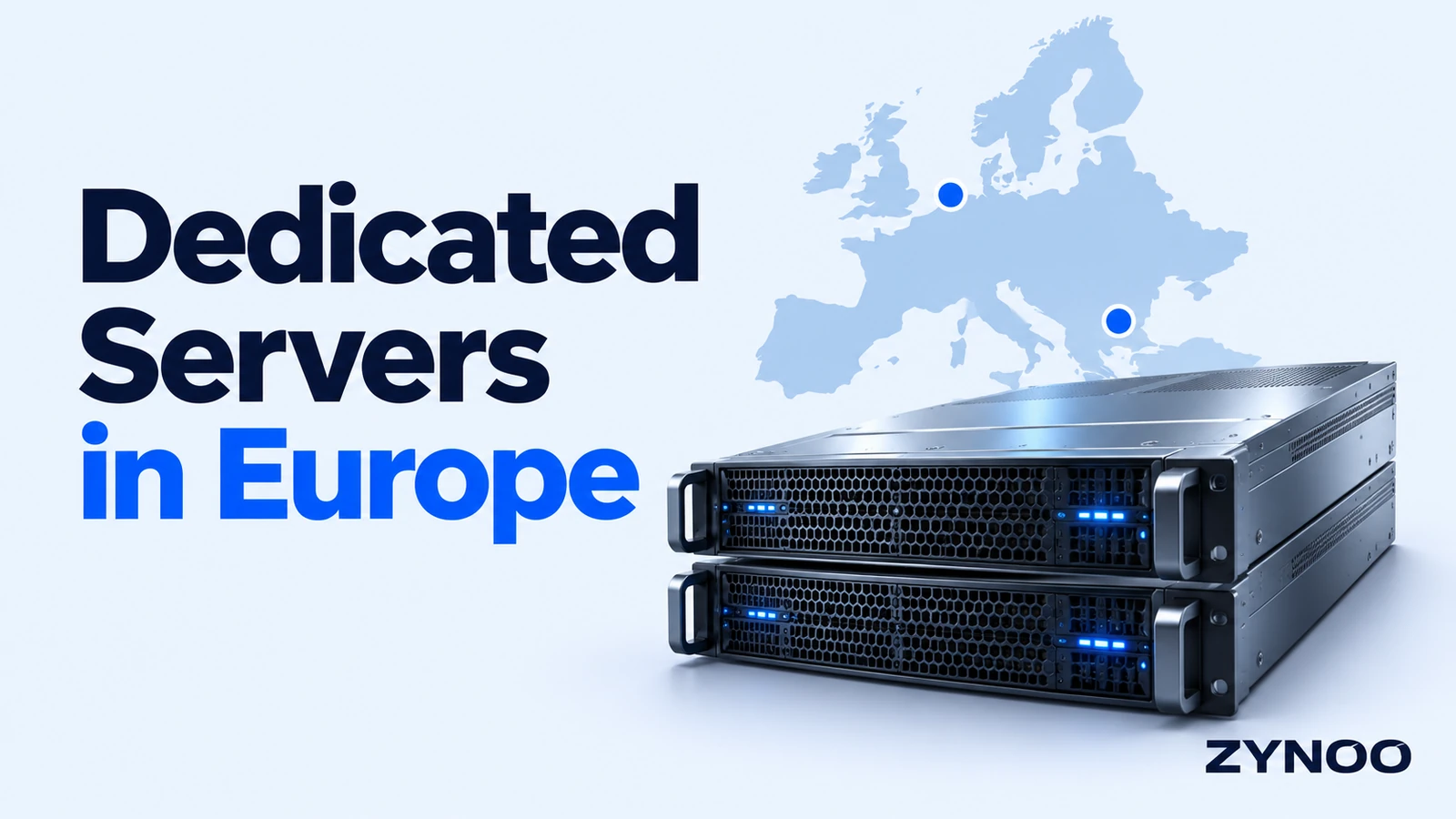
Server location is another important consideration, especially when targeting customers in different regions. If you’re planning to host your applications in Europe, our guide to choosing dedicated servers in Europe explains how to evaluate locations, hardware specifications, bandwidth, and network reliability.
Final Thoughts
Understanding what a dedicated server is helps you determine whether your website or application needs exclusive hardware.
Dedicated hosting provides greater control, flexible configuration options, and predictable resource availability. However, the additional cost and management responsibilities should be justified by your workload.
If your project has outgrown shared hosting or VPS, explore ZYNOO Dedicated Server Hosting to compare available hardware configurations and locations.