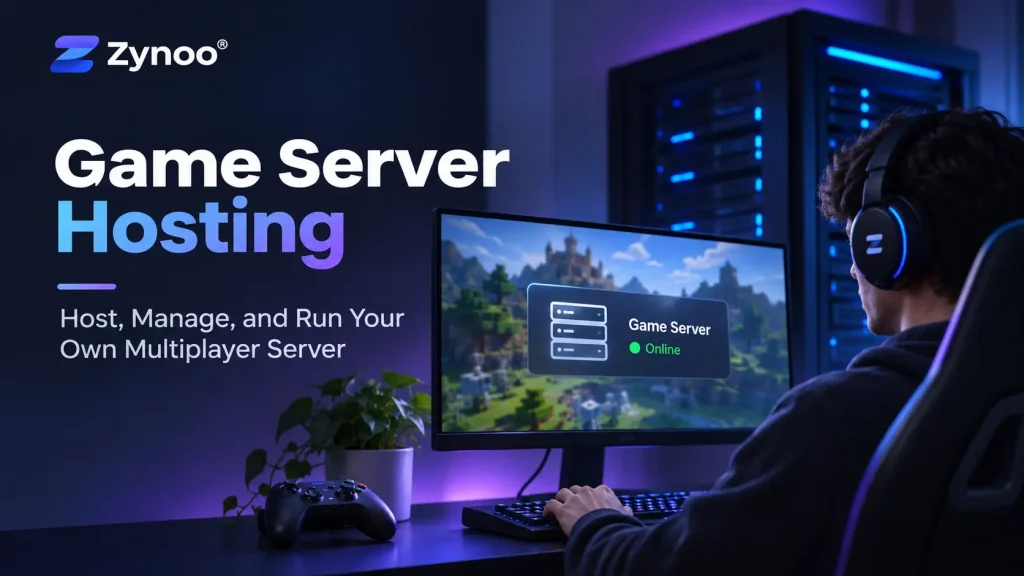
Game server hosting allows you to run multiplayer games on a dedicated hosting environment instead of relying entirely on public or publisher-operated servers. You can control who joins, configure game settings, install supported mods, and manage your own gaming community.
But choosing a server isn’t just about getting more RAM or faster internet. Different games place different demands on processing power, memory, storage, and network connectivity.
This guide explains how game server hosting works, how to choose between a VPS and dedicated server, and the essential steps for setting up and maintaining a reliable multiplayer environment.
What Is Game Server Hosting?
Game server hosting involves running the server-side software responsible for managing a multiplayer game’s world, player connections, and interactions.
Instead of one player’s computer handling everything, a dedicated server application manages the game session and communicates with connected players.
For example, a Minecraft server maintains the world and player activity, while a Counter-Strike 2 server processes matches and player interactions.
Not every game supports privately operated dedicated servers. Always check the game’s official documentation and licensing terms before choosing hosting infrastructure.
Types of Game Server Hosting
There are three common ways to host multiplayer games.
| Hosting Type | Best For | Main Consideration |
|---|---|---|
| Managed game server hosting | Beginners who want a ready-to-use game panel | Less control over the underlying system |
| VPS hosting | Small communities and technically confident users | Shared physical hardware and allocated virtual resources |
| Dedicated server hosting | Resource-intensive games and multiple server instances | Higher costs and greater administration responsibilities |
A managed game hosting service typically handles much of the initial installation.
With a VPS or dedicated server, you generally install, configure, and maintain the game server software yourself.
For smaller projects, a Linux VPS can provide a flexible starting point. Larger workloads may benefit from the exclusive hardware resources of a dedicated server.
What Hardware Do You Need for Game Server Hosting?
Your hosting requirements depend on the game, concurrent players, world size, and installed modifications.
CPU: Processing Game Activity
CPU performance is critical because game servers continuously process player actions, world events, and game logic.
Some games depend heavily on single-thread performance, meaning a processor with faster individual cores may perform better than one with many slower cores.
Other workloads benefit from multiple CPU cores, particularly when running several game servers simultaneously.
RAM: Supporting Players and Mods
Memory requirements vary significantly.
A small Minecraft world with a few players may operate comfortably with modest RAM, while heavily modded Minecraft, Rust, or ARK servers can require considerably more.
Insufficient memory can cause slowdowns, crashes, and unexpected restarts.
Storage: Keeping Game Data Accessible
SSD or NVMe storage is recommended for most modern game server workloads.
Faster storage can improve world loading, saving, and access to game files, especially in environments with frequent disk activity.
Plan additional capacity for backups, mods, logs, and growing world data.
Network: Latency Matters More Than Advertised Speed
A high-bandwidth connection is useful, but it doesn’t automatically guarantee responsive gameplay.
Latency, packet loss, and network stability often matter more than raw port speed.
Choose a server location with good connectivity to your players. A nearby, well-connected server can provide a better experience than a more powerful machine with poor network routing.
How to Set Up a Game Server
The exact installation process depends on your game, but most self-managed deployments follow a similar workflow.
Step 1: Choose a Game and Check Its Requirements
Confirm that the game provides or permits dedicated server software.
For example, Minecraft Java Edition supports dedicated servers, while several Steam games distribute dedicated server applications through SteamCMD.
Check the required operating system, runtime, memory, and network ports before ordering hosting.
Step 2: Prepare Your Hosting Environment
Choose a VPS or dedicated server with sufficient resources.
Install a supported operating system, such as Ubuntu or Debian, when the game provides Linux server software.
Keep the operating system updated and configure secure administrative access.
Windows Server may be necessary for games or tools without compatible Linux versions.
Step 3: Install the Game Server Software
Download the required server files from an official or otherwise authorized source.
For supported Steam games, SteamCMD provides a command-line method for installing and updating dedicated server applications.
For Minecraft, download the compatible official server software or a supported implementation such as Paper.
Follow the selected game’s documentation instead of relying on generic installation commands.
Step 4: Configure Your Game Settings
Most game servers provide configuration files for adjusting:
- Maximum player count.
- Server name and access rules.
- Game difficulty and world settings.
- Administrator permissions.
- Supported plugins and modifications.
Only install mods and plugins from sources you trust, and verify compatibility with your game’s server version.
Step 5: Configure Networking
Players need a reachable server address and the correct game ports.
Check the official documentation to determine whether the game uses TCP, UDP, or both.
Configure your server firewall and hosting provider’s network rules to allow only the required traffic.
If you’re hosting from home, additional router configuration may be necessary.
Step 6: Start and Test Your Server
Start the server application and inspect its logs for configuration errors.
Connect using the appropriate game client, then test with several players.
Pay attention to connection stability, loading times, CPU usage, and memory consumption.
Don’t assume a server is ready for a large audience simply because one player can connect successfully.
Step 7: Configure Backups and Monitoring
Before inviting more players, establish a maintenance routine.
Configure automated backups for world data and important configuration files. Make sure your backups can be restored successfully.
Monitor performance, keep software updated, and plan maintenance during periods of low activity.
Managing Game Servers with Pterodactyl
If you’re running multiple game servers, managing everything through individual terminal sessions can become inconvenient.
Pterodactyl is a free, open-source game server management panel that provides a web interface for controlling supported game servers.
It supports features such as server consoles, file management, resource limits, and scheduled tasks.
Pterodactyl uses Docker containers to isolate workloads and requires compatible Linux infrastructure and administrative configuration.
It’s useful for technically experienced administrators, but installing Pterodactyl doesn’t remove the need to maintain the underlying servers.
VPS vs Dedicated Server: Which Should You Choose?
A VPS is generally a practical starting point for smaller gaming communities, development environments, and lightweight dedicated server applications.
It provides allocated virtual resources without the expense of renting an entire physical server.
A dedicated server becomes more attractive when you need exclusive CPU resources, substantial RAM, or enough capacity to run multiple demanding game instances.
For example, a small private Minecraft world may work well on a properly sized VPS, while a heavily modded community with several active worlds might benefit from dedicated hardware.
There’s no universal player threshold that determines when you must upgrade. Benchmark your particular game and monitor actual resource usage.
How to Keep Your Game Server Secure and Stable
Running a reliable multiplayer server requires ongoing attention.
Keep software updated: Apply compatible game-server, operating system, and security updates.
Protect administrator access: Use strong credentials and restrict remote management interfaces.
Configure backups: Store recoverable copies of game worlds and configuration files.
Monitor performance: Watch CPU usage, memory consumption, server logs, and network connectivity.
Prepare for malicious traffic: Public gaming servers can attract denial-of-service attacks. Appropriate DDoS protection helps reduce the risk of disruption.
Remember that unauthorized modifications or unofficial services may violate a game’s licensing terms. Hosting your own infrastructure doesn’t override the publisher’s rules.
Common Game Server Hosting Problems
| Problem | What to Check |
|---|---|
| Players cannot connect | Server address, firewall, ports, and client compatibility |
| High ping | Network routing, server location, and connection quality |
| Lag or rubberbanding | CPU load, server tick performance, and network conditions |
| Server crashes | RAM usage, application logs, and incompatible mods |
| Missing or corrupted world data | Backup availability and game-save procedures |
Investigate the actual cause before purchasing additional hardware. Not every performance issue can be solved by upgrading the server.
Frequently Asked Questions
Yes, provided the game supports dedicated hosting and the VPS meets its requirements. Smaller or less demanding multiplayer environments are often suitable for VPS hosting.
It depends on the game, player count, world size, and mods. Start with the software developer’s recommendations and monitor actual usage.
Dedicated hardware provides exclusive physical resources and more predictable capacity, but isn’t automatically necessary. A suitable VPS may perform equally well for a smaller workload.
No. You can manage servers directly through SSH or other administration tools. A game server panel becomes useful when managing multiple instances or administrators.
Conclusion
Game server hosting gives you greater control over multiplayer environments, from private sessions with friends to larger community projects.
The best hosting option depends on the game you’re running, your expected audience, and how much server management you’re prepared to handle.
Start with the resources your game actually needs, test performance under realistic conditions, and scale when the workload justifies it.