

Choosing between Linux vs Windows for Web Hosting can feel overwhelming at first. Both systems are robust, both support modern websites, and both can deliver fast, secure hosting when appropriately configured. Yet the differences matter—especially when your website’s performance, compatibility, or long-term maintenance depend on the operating system underneath.
This guide explains everything in simple terms. It focuses only on what website owners, developers, and businesses genuinely need to know. No unnecessary technical noise—just clear reasoning to help you choose the best hosting environment for your project.
What the Server OS Really Does
A hosting server works like the engine of your website. The operating system controls how your site runs, how applications behave, and how the server interacts with files, databases, and visitors.
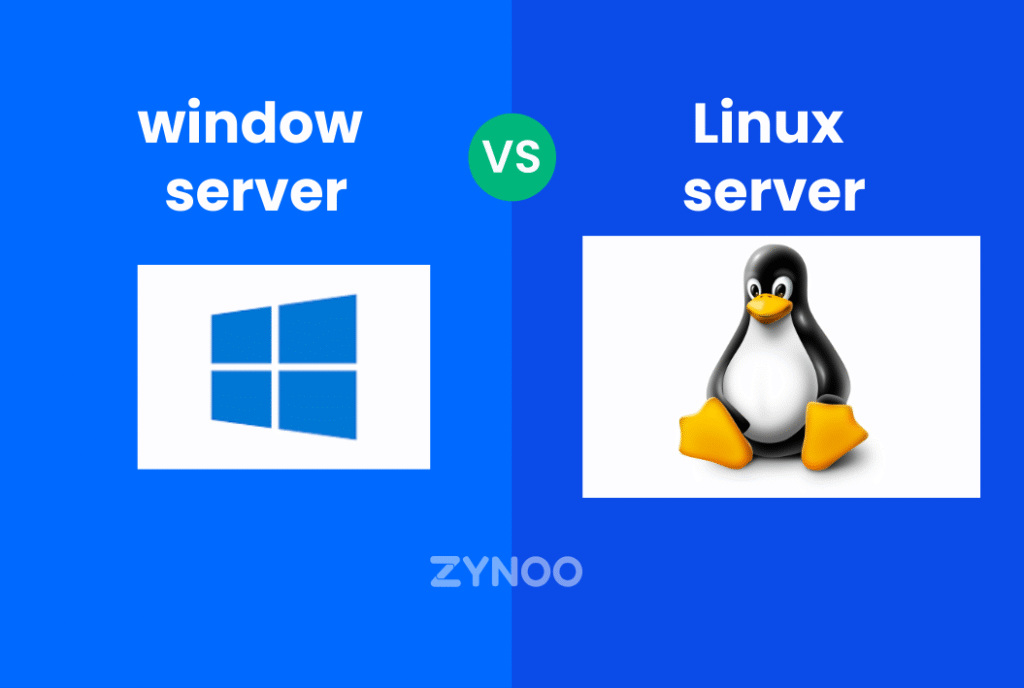
- Linux uses open-source technologies that power most of today’s internet.
- Windows uses Microsoft’s ecosystem built around .NET, MSSQL, and IIS.
Understanding this difference helps you predict which OS will support your specific tools and long-term needs.
Why Linux Is the Most Common Choice in Hosting
Linux has become the standard for web hosting because it fits the needs of most websites. It is fast, efficient, stable, and works well with the tools that developers and CMS platforms rely on.
Key reasons Linux dominates:
- Lightweight performance
- Lower resource usage
- Excellent uptime
- Strong open-source support
- Compatibility with PHP, MySQL, and most CMS platforms
For blogs, business sites, e-commerce stores, and SaaS tools using modern stacks, Linux is often the natural choice.
When Windows Hosting Is the Better Option
Windows hosting fills a very specific, important role. If you use Microsoft-based technologies—such as ASP.NET, .NET Core, MSSQL, or IIS—then you need Windows.
Choose Windows hosting if your project depends on:
- ASP.NET applications
- MSSQL databases
- Visual Basic scripts
- Windows-specific frameworks
For organizations running business applications built on Microsoft technology, Windows hosting is not optional—it’s required for compatibility.
Control Panels: Linux vs Windows
Your hosting control panel shapes your daily workflow. It’s the dashboard where you manage files, databases, emails, security tools, backups, and domains.
cPanel for Linux
cPanel is the most widely used control panel in the hosting industry. It offers:
- A simple and intuitive interface
- Easy management of PHP versions
- Database tools like phpMyAdmin
- Email configuration
- One-click installers
- Built-in FTP and security features
Beginners love cPanel because it feels familiar and quick to learn. Developers love it because it is efficient and supports a broad range of tools.
Plesk for Windows
Plesk is the standard control panel for Windows hosting. It provides:
- Clean, modern UI
- Easy management of ASP.NET applications
- MSSQL database support
- Centralized security features
- Git integration
- Simple domain and SSL management
Plesk also works on Linux, but in Windows environments it shines because it integrates directly with IIS and Windows-based applications.
For a deeper understanding of how each control panel works on Linux and Windows hosting, see our detailed cPanel vs Plesk comparison.
Verdict
- If you use PHP, MySQL, or open-source technologies → cPanel on Linux is usually ideal.
- If you rely on ASP.NET or MSSQL → Plesk on Windows provides the tools you need.
Both panels are user-friendly and suitable for beginners.
Performance: Light vs Heavy
Linux hosting is extremely efficient. It handles large visitor loads with fewer server resources. The lightweight nature of Linux means:
- Faster response times
- Lower resource usage
- Smooth handling of spikes
- Fewer reboots
Windows hosting performs well too, but it requires more hardware power because the system itself is heavier. Windows servers support many background services and graphical components that increase resource usage.
For general websites, Linux often delivers faster and more stable performance.
Security Considerations
Security matters more than almost anything in hosting. Both systems offer strong protection, but they do it differently.
Linux Security
Linux benefits from a strict permission structure, configurable security modules, and quick patch cycles. Its open-source nature allows vulnerabilities to be discovered and fixed rapidly.
Windows Security
Windows includes strong built-in security features and receives regular updates. Managed environments can be extremely secure when configured correctly.
However, Linux tends to expose fewer attack surfaces because fewer system components run by default, making it ideal for public-facing hosting.
Application and Software Support
Choosing the OS often comes down to compatibility.
Linux supports:
- PHP
- Python / Node.js
- MySQL / MariaDB
- Apache / Nginx
- WordPress, Drupal, Joomla
- Most modern CMS and frameworks
Windows supports:
- ASP.NET
- MSSQL databases
- IIS server
- .NET Core applications
If your website is built on WordPress, Laravel, Magento, or any open-source platform, Linux fits naturally. If you run enterprise apps that depend on Microsoft’s ecosystem, Windows is the right choice.
Many users discover that choosing between Linux vs Windows becomes much easier once they understand the specific tools and applications their project requires.
Cost Differences
Linux is open source, which reduces overall hosting costs by removing OS licensing fees. This makes Linux hosting more affordable for most users.
Windows requires licensing, which influences pricing. The cost is worth it when you need Windows-specific technologies, but unnecessary if you are running a typical website.
Stability and Uptime
Linux servers are known for extreme stability. Some remain running for years without needing a reboot. This reliability is ideal for high-traffic websites, online stores, and projects where uptime is critical.
Windows servers can be very stable as well, but updates often require restarts. This doesn’t make Windows unreliable—it simply means the maintenance workflow is different.
Scalability and Future Growth
Linux’s flexibility makes it perfect for scaling. Whether you move from WordPress hosting to VPS or dedicated servers, Linux scales smoothly.
Windows also scales well, especially for enterprise apps, but usually needs more computing resources to support growth at the same performance level.
Use Cases: A Simple Decision Guide
Choose Linux hosting if:
- You use PHP or MySQL
- You plan to run WordPress, Drupal, or Joomla
- You want the best performance at lower cost
- You prefer cPanel’s simplicity
- You need efficient resource usage
Choose Windows hosting if:
- Your application requires ASP.NET or MSSQL
- You rely on Windows-specific frameworks
- You prefer Plesk and Windows-style management
- You run business apps tied to Microsoft’s ecosystem
- You run MT4/MT5 and need Windows Forex VPS hosting for compatibility and uptime
In most cases, if you’re unsure which one you need, you likely need Linux.
The real difference in Linux vs Windows often comes down to which technologies your website depends on, rather than which system is more popular.
Summary Table: Linux vs Windows
| Feature | Linux Hosting | Windows Hosting |
|---|---|---|
| Control Panel | cPanel | Plesk |
| Cost | More affordable | Higher (licensing) |
| Best For | PHP, MySQL, CMS platforms | ASP.NET, MSSQL |
| Security | Strong, flexible | Strong with updates |
| Performance | Lighter, faster | Requires more resources |
| Stability | Excellent uptime | Good, with periodic restarts |
| Scalability | Very flexible | Strong for Microsoft apps |
FAQs
Yes. cPanel makes Linux hosting easy, even for first-time users.
You can, but WordPress works better on Linux because it’s built around PHP and MySQL.
Not at all. Plesk is clean and modern. The difference is mostly preference.
No. OS doesn’t impact SEO. Performance and uptime do.
Not necessarily, but it needs more resources to match Linux’s speed.
Linux is more flexible unless your app depends on Microsoft frameworks.
Conclusion: What Should You Choose?
If your website uses open-source technologies or popular CMS platforms, Linux hosting with cPanel is usually the best choice. It’s fast, stable, secure, and affordable.
If your application relies on Microsoft technologies, Windows hosting with Plesk provides compatibility and the environment your tools require.
In the end, the right choice depends on your stack—not trends or buzzwords. A hosting environment should make your work smooth, predictable, and worry-free.
A final quiet thought:
The best hosting doesn’t demand your attention—it simply supports you in the background while your ideas grow. At ZYNOO, that’s the experience we aim to build, one thoughtful choice at a time.